Table of Contents
Introduction
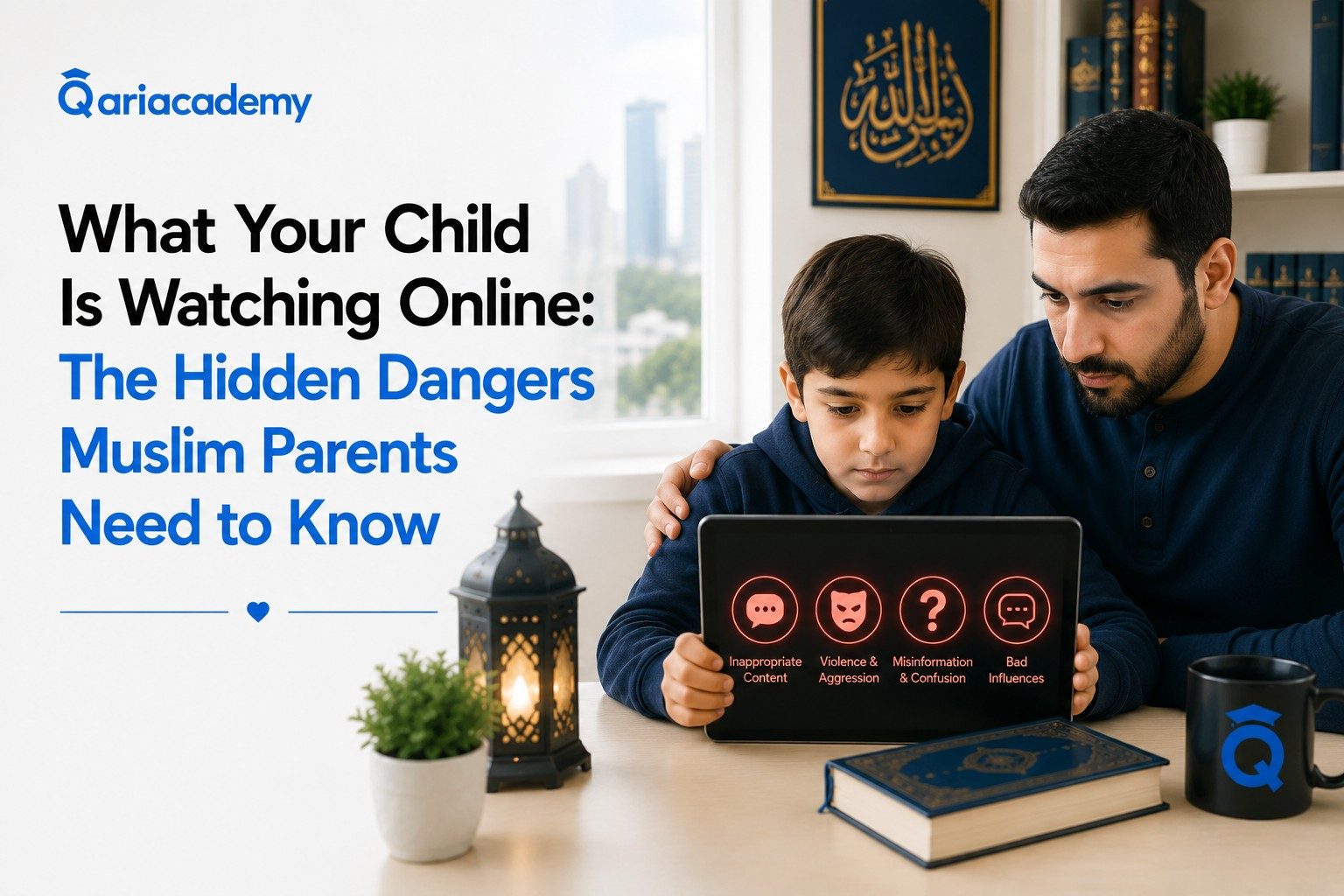
What your child is watching online may be very different from what you think they are watching.
You may know that your son watches YouTube after school, your daughter uses a tablet for homework, or your children spend time playing online games with their friends. You may even have parental controls enabled and feel reasonably confident that everything is under control.
But here is the uncomfortable question every parent should ask:
If you walked into your child’s room right now and asked, “Show me exactly what you’ve been watching online this week,” would you be surprised by the answer?
Many parents assume that children only see content they intentionally search for. In reality, children can encounter inappropriate material through recommendations, advertisements, social media feeds, online games, comments, shared links, pop-ups, or another person’s device.
The American Academy of Pediatrics recommends that families create a media plan, use parental controls, turn off features such as autoplay when appropriate, choose age-appropriate content, and regularly revisit their digital rules as children grow. It also emphasizes that parental controls work best when combined with communication and relationship-building rather than being treated as a complete solution.
That distinction matters.
The goal is not to turn your home into a surveillance center.
The goal is to help your child develop safe digital habits, good judgment, strong family communication, and the ability to recognize inappropriate content when you are not standing next to them.
This article explores seven risks parents often miss when thinking about what their child is watching online, and what you can do to create a safer digital environment at home.
1. Your Child May Not Have Searched for the Content
One of the biggest misconceptions parents have is:
“If my child sees something inappropriate, they must have searched for it.”
Not necessarily.
A child can start by watching something completely innocent and eventually encounter something inappropriate because of recommendations, thumbnails, comments, advertisements, suggested videos, or links shared by someone else.
Imagine an 8-year-old watching a football highlights video.
One recommendation leads to another.
Then another.
Eventually, the child sees a thumbnail that is inappropriate, shocking, violent, or simply unsuitable for their age.
The child may click because they are curious.
That single click can change what the platform recommends next.
This is one reason parents should not assume that inappropriate exposure automatically means their child was deliberately looking for it.
How accidental exposure can happen
| Starting Point | What Can Happen Next | Parent’s Response |
|---|---|---|
| Children’s video | Suggested content becomes less appropriate | Review recommendations and settings |
| Online game | Chat or links expose the child to strangers/content | Review communication settings |
| Social media | Algorithm recommends increasingly engaging content | Discuss feeds and boundaries |
| Search engine | An innocent search produces unexpected results | Enable safer search settings |
The important lesson is simple:
Don’t wait for your child to make a bad decision before teaching them how the internet works.
Teach them that not everything appearing on a screen is appropriate, trustworthy, or meant for them.
2. “Kid-Friendly” Does Not Mean Risk-Free
Parents often assume that if an application is popular with children, it must be safe for children.
That assumption is dangerous.
A platform can contain excellent educational material and still expose children to content that is inappropriate for their age.
The same platform can be useful for learning, entertainment, communication, and creativity while also containing risks.
This is why the question should not simply be:
“Does my child use YouTube?”
A better question is:
“What is my child watching on YouTube, how is that content being recommended, and what happens when the video ends?”
The same principle applies to games, social media platforms, browsers, messaging apps, and streaming services.
The American Academy of Pediatrics recommends reviewing privacy and parental-control settings across the devices, apps, networks, gaming systems, and services children use.
A better way to evaluate an app
Before allowing your child to use a new platform, ask:
- What type of content is available?
- Can strangers contact my child?
- Can users share links?
- Are there advertisements?
- Does the platform use recommendations?
- Can autoplay be disabled?
- Can inappropriate content be filtered?
- Can I control purchases?
- Can I set age restrictions?
- Does my child understand what to do if something uncomfortable appears?
You don’t need to ban every platform.
You need to understand the environment in which your child is using it.
3. The Algorithm May Know Your Child’s Interests Better Than You Do
This is one of the most overlooked aspects of modern digital life.
Your child watches one video.
The platform learns.
Your child watches another.
The platform learns more.
Eventually, the recommendations become increasingly personalized.
This can be useful when the recommendations are educational or positive.
But personalization can also create problems when a child repeatedly interacts with content that is sensational, frightening, inappropriate, or unhealthy.
The American Academy of Pediatrics’ 2026 recommendations specifically address features such as autoplay, algorithmic feeds, and designs that can encourage prolonged engagement, emphasizing the importance of creating digital environments that better protect children.
This means parents shouldn’t only ask:
“What did my child watch?”
They should sometimes ask:
“Why is the platform showing my child more of this type of content?”
That is a much more important question.
4. Your Child May Be Hiding the Screen for a Reason — But Don’t Jump to Conclusions
Suppose you walk into the room and your child suddenly closes an app.
Your first reaction might be:
“What were you watching?”
Then perhaps:
“Give me the phone.”
Sometimes that reaction is understandable.
But it may also shut down communication.
A child might hide a screen because they were watching something inappropriate.
But they might also be:
- embarrassed about a conversation with a friend
- watching something they think you won’t approve of
- playing a game they know they should have stopped
- researching something private
- afraid they will lose their device
- simply reacting to your previous punishments
So one behavior should not automatically be treated as proof of something serious.
Instead, look for patterns.
Possible warning signs of unhealthy digital habits
The following signs do not prove that a child has seen inappropriate content. They simply suggest that parents may want to understand the child’s digital habits more closely:
- Becoming unusually secretive about devices
- Becoming extremely defensive when asked about screen use
- Staying online much later than agreed
- Frequently deleting browsing or viewing history
- Becoming upset when asked to stop using a device
- Losing interest in activities they previously enjoyed
- Using devices during times when they are supposed to be sleeping
- Trying to access accounts or apps that parents have specifically restricted
- Becoming uncomfortable when parents approach while they are using a device
The AAP similarly recommends paying attention when media use begins interfering with sleep, physical activity, relationships, hobbies, or other important areas of life.
The important distinction is:
A warning sign is a reason to investigate calmly, not a reason to accuse.
5. “I Trust My Child” and “I Monitor My Child” Are Not Opposites
Some parents believe there are only two choices.
Either:
“I trust my child completely.”
Or:
“I monitor everything my child does.”
That is a false choice.
You can trust your child while still recognizing that children are developing judgment.
A 7-year-old does not have the same ability to evaluate online content as a 15-year-old.
A 10-year-old may understand that something is wrong but still be too embarrassed to tell a parent.
A teenager may understand online risks but still make impulsive decisions.
Trust should therefore grow alongside responsibility.
A practical approach by age
| Age | Parent’s Main Role | Recommended Focus |
|---|---|---|
| Younger children | Active supervision | Co-viewing, age-appropriate content, simple rules |
| Preteens | Guided independence | Privacy, communication, content judgment |
| Teenagers | Coaching and accountability | Responsibility, boundaries, trust, consequences |
The AAP recommends involving children and adolescents in creating family media rules as they become more capable of understanding and taking ownership of them.
The objective is not:
“My child must never make a mistake.”
The objective is:
“If my child encounters something wrong, they know what to do and who to tell.”
6. The Most Dangerous Problem May Be Silence
Imagine that your child accidentally encounters explicit content.
They are shocked.
They don’t understand it.
They close the screen.
But they are afraid to tell you.
Why?
Perhaps they believe:
“My parents will take my phone away.”
Or:
“They’ll think I’m a bad child.”
Or:
“I’ll get in trouble.”
So they stay silent.
This is where the parent’s relationship with the child becomes extremely important.
A child who knows:
“If I see something inappropriate, I can tell my parents without being humiliated”
is in a much safer position than a child who believes:
“If I tell my parents, I’m going to be punished.”
This does not mean parents should have no rules or consequences.
It means that communication must remain possible even when something goes wrong.
Common Sense Media similarly emphasizes communication and openness as important parts of helping children navigate inappropriate online experiences.
Teach your child these five simple rules
- If something makes you uncomfortable, close it.
- Don’t send or share it with anyone.
- Don’t click additional links.
- Don’t respond to strangers asking for private information or images.
- Tell a trusted adult.
These rules are simple enough for younger children to remember and valuable enough to repeat regularly.
7. A Phone Is Not Just a Phone
When parents buy their child a smartphone, they sometimes think they are buying a communication device.
In reality, they may be giving the child access to:
- search engines
- video platforms
- social media
- private messaging
- online communities
- games
- advertisements
- strangers
- artificial intelligence tools
- user-generated content
- cameras and microphones
- global information
That’s a lot of responsibility for a developing child.
The AAP recommends that parents think carefully about whether and when a child is ready for a smartphone, considering responsibility and previous media habits rather than treating a specific age as the only factor.
Before giving your child unrestricted access, ask:
Is my child ready for the responsibility that comes with the device?
Not:
“Does everyone else have one?”
What Parents Should Do Today
You don’t need to completely redesign your family’s digital life tonight.
Start with a simple audit.
Take 20–30 minutes and review the digital environment your child actually uses.
Step 1: List the devices
Write down:
- Smartphone
- Tablet
- Laptop
- Desktop computer
- Smart TV
- Gaming console
- School device
- Any other internet-connected device
You may be surprised by how many access points exist in your home.
Step 2: List the apps
For each device, identify:
- Video apps
- Browsers
- Games
- Messaging apps
- Social media
- Streaming platforms
- Educational apps
Step 3: Review the settings
Check:
- Age restrictions
- Content filters
- Privacy settings
- Search settings
- Autoplay
- Downloads
- Purchases
- Chat features
- Who can contact the child
- Screen-time limits
The AAP specifically recommends checking parental-control and privacy settings across the different devices, networks, apps, and platforms children use.
Step 4: Create device-free spaces
Consider keeping devices away from:
- Bedrooms at night
- The dinner table
- Family conversations
- Homework time when unnecessary
- Certain family activities
The AAP recommends screen-free zones such as bedrooms and mealtimes as part of a broader family media plan.
Step 5: Talk to your child
This might be the most important step.
Don’t start with:
“I’m going to check everything you’ve been doing.”
Try:
“You’re growing up in a world where you can see almost anything online. My job isn’t to spy on you. My job is to help you stay safe.”
Then ask:
“What do you usually watch?”
“What apps do you like?”
“Have you ever seen something online that made you uncomfortable?”
“If something inappropriate appeared, would you feel comfortable telling me?”
The answers can teach you more than simply checking a device.
What If Your Child Says, “I Saw Something Bad”?
Stay calm.
Your first response can shape whether your child talks to you next time.
Instead of immediately saying:
“What were you doing there?”
Try:
“Thank you for telling me.”
Then ask:
- “What happened?”
- “Did someone send it to you?”
- “Did it appear while you were watching something else?”
- “Did anyone ask you to send or share anything?”
- “Are you worried about anything right now?”
The goal is to understand what happened before deciding what needs to happen next.
If the situation involves contact from an adult, requests for private images, threats, coercion, exploitation, or anything that makes you concerned for your child’s immediate safety, seek appropriate professional or law-enforcement assistance rather than trying to manage the situation entirely on your own.
Don’t Make the Mistake of Thinking Filters Are Enough
Parental controls are useful.
They are not magic.
A filter can block certain websites.
It cannot teach your child what to do when a friend sends an inappropriate image.
A time limit can stop an app at 9 p.m.
It cannot teach your child why some content is harmful.
A restricted search setting can reduce exposure.
It cannot guarantee that another child won’t show your child something on a shared device.
This is why the strongest approach combines technology + boundaries + communication + education.
| Protection Layer | What It Does | Why It Matters |
|---|---|---|
| Parental controls | Restricts access | Reduces exposure |
| Family rules | Creates expectations | Builds consistency |
| Conversation | Builds trust | Makes disclosure easier |
| Digital education | Develops judgment | Helps children act independently |
| Positive activities | Reduces passive screen use | Gives children healthier alternatives |
This is the difference between simply controlling a device and raising a digitally responsible child.
Don’t Forget What You Want Your Child to Watch
There is another important blind spot.
Parents often spend so much energy asking:
“How do I stop my child from watching bad content?”
that they forget to ask:
“What do I want my child to watch instead?”
That second question is incredibly important.
If you remove something without replacing it, your child may simply find another source of entertainment.
Instead, create a digital environment containing content that supports your family’s values.
That might include:
- Educational videos
- Reading
- Useful hobbies
- Family activities
- Islamic educational content
- Quran learning
- Arabic learning
- Age-appropriate documentaries
- Creative projects
- Sports and physical activities
For Muslim families, this can also be an opportunity to make Quran and Islamic learning a normal, positive part of the child’s weekly routine rather than something that only happens when parents become worried about screen time.
Where QariAcademy Can Fit Into a Healthy Digital Routine
This is where parents should think beyond simply removing bad content.
Children need meaningful alternatives.
A child who spends hours scrolling because there is nothing engaging to do may continue looking for entertainment online even after restrictions are installed.
Creating a balanced routine can make a significant difference.
For Muslim families, regular Quran learning can provide something that passive screen consumption cannot: purposeful interaction with a teacher, structured learning, personal progress, and a connection to faith.
QariAcademy offers one-on-one online Quran classes with qualified teachers, including programs focused on Quran reading, Tajweed, Hifz, and Quranic Arabic. Its classes are designed around the student’s level and schedule, and parents can receive progress updates as their child continues learning.
That doesn’t mean Quran classes should be treated as another way to “keep children away from their phones.”
The bigger goal is to help children develop a balanced digital and offline life.
A child can have time for games.
Time for friends.
Time for sports.
Time for school.
Time with family.
And time for Quran.
The objective isn’t to eliminate technology.
It’s to make sure technology doesn’t become the center of your child’s life.
A Simple Family Digital Safety Plan
You can start with the following framework.
1. Decide what is allowed
Make a clear list of:
- Approved apps
- Approved websites
- Allowed games
- Appropriate viewing times
- Appropriate devices
2. Decide what is not allowed
Examples include:
- Explicit content
- Unknown contacts
- Sharing private photos
- Secret accounts
- Unauthorized purchases
- Downloading unknown applications
3. Decide what happens when something goes wrong
Your child should know:
“If I see something inappropriate, I can close it and tell my parents.”
Not:
“If I see something inappropriate, I have to hide it.”
4. Review the plan
Children grow.
Their technology changes.
Their friends change.
Their responsibilities change.
Their level of independence changes.
Therefore, your rules should change too.
The AAP recommends revisiting family media plans regularly as children’s needs and circumstances evolve.
Questions Every Parent Should Ask
Before giving your child more digital freedom, ask yourself:
- Do I know which apps my child uses?
- Do I know which websites they visit?
- Do I understand the games they play?
- Do I know who can contact them?
- Have I checked privacy settings?
- Are parental controls enabled where appropriate?
- Does my child know what inappropriate content is?
- Does my child know what to do if they see it?
- Would my child tell me if something made them uncomfortable?
- Do we have clear family rules about devices?
- Are devices being used in bedrooms at night?
- Does my child have enough non-screen activities?
- Am I modeling healthy technology habits myself?
- Does my child’s online life interfere with sleep, school, family, or hobbies?
- Am I focusing only on what I want my child to avoid—or also on what I want them to learn and become?
That final question may be the most important one.
The Goal Is Not Perfect Control
No parent can control everything their child will ever see.
That is the uncomfortable truth.
You can configure every setting correctly.
You can install parental controls.
You can check devices.
You can establish rules.
And eventually, your child will encounter something you did not expect.
The goal, therefore, cannot be:
“My child will never see anything inappropriate.”
A better goal is:
“My child will know how to respond when something inappropriate appears.”
That means teaching children to:
- Stop
- Leave
- Block
- Report when appropriate
- Avoid sharing
- Ask for help
- Talk to a trusted adult
And it means building a relationship where your child doesn’t feel that honesty automatically leads to humiliation.
Conclusion
Knowing what your child is watching online is not simply about checking a viewing history or installing a parental-control application.
It is about understanding your child’s digital world.
Children can encounter inappropriate material accidentally, through recommendations, advertisements, social interactions, games, searches, or links. That is why parents need more than a single technological solution.
Parental controls matter.
Family rules matter.
Privacy settings matter.
Screen-free spaces matter.
But communication matters just as much.
The strongest protection is a child who knows what is appropriate, understands what to do when something feels wrong, and feels safe coming to a parent for help.
And perhaps most importantly, don’t make the mistake of thinking that protecting your child means simply taking things away.
Give them something better to move toward.
Give them meaningful activities, family connection, healthy friendships, education, sports, creativity, and—when appropriate for your family’s values—a consistent relationship with the Quran and Islamic learning.
For Muslim parents, that can become part of a much bigger goal: raising children who are not only protected from harmful content, but also equipped with the knowledge, values, confidence, and judgment to navigate the digital world responsibly.
If you’re looking for a structured way to make Quran learning part of your child’s weekly routine, QariAcademy offers live one-on-one Quran, Tajweed, Hifz, and Quranic Arabic classes with flexible scheduling and progress support for families.
You don’t have to control everything your child sees. You need to help them become strong enough to choose what is worth seeing.
Start Your Child’s Quran Learning Journey
If you’d like to explore whether structured Quran learning is a good fit for your child, you can book a free trial with QariAcademy:
Book a Free Trial at QariAcademy
Reliable Sources
- American Academy of Pediatrics — How to Make a Family Media Plan
- American Academy of Pediatrics — Parental Controls: Setting Safe & Healthy Media Limits
- American Academy of Pediatrics — Set Parental Controls for Safer Media Use
- American Academy of Pediatrics — Helping Kids Thrive in a Digital World
- Common Sense Media — Safe Online Behavior for Children
- QariAcademy — Online Quran Classes